

What these settings control
- The font of every heading and of a few display elements, such as the scrolling marquee.
- The font of body text, buttons, prices, forms and navigation links.
- Whether headings show as you typed them or with each word capitalized.
How to access
1
Open the Theme Customizer
In your Shopify admin, open Online Store, then Themes, and click Customize next to Facet.
2
Open Theme settings
Click the Theme settings icon in the left sidebar.
3
Open Typography
Expand Typography, then click Change under a font to browse the Shopify font library.
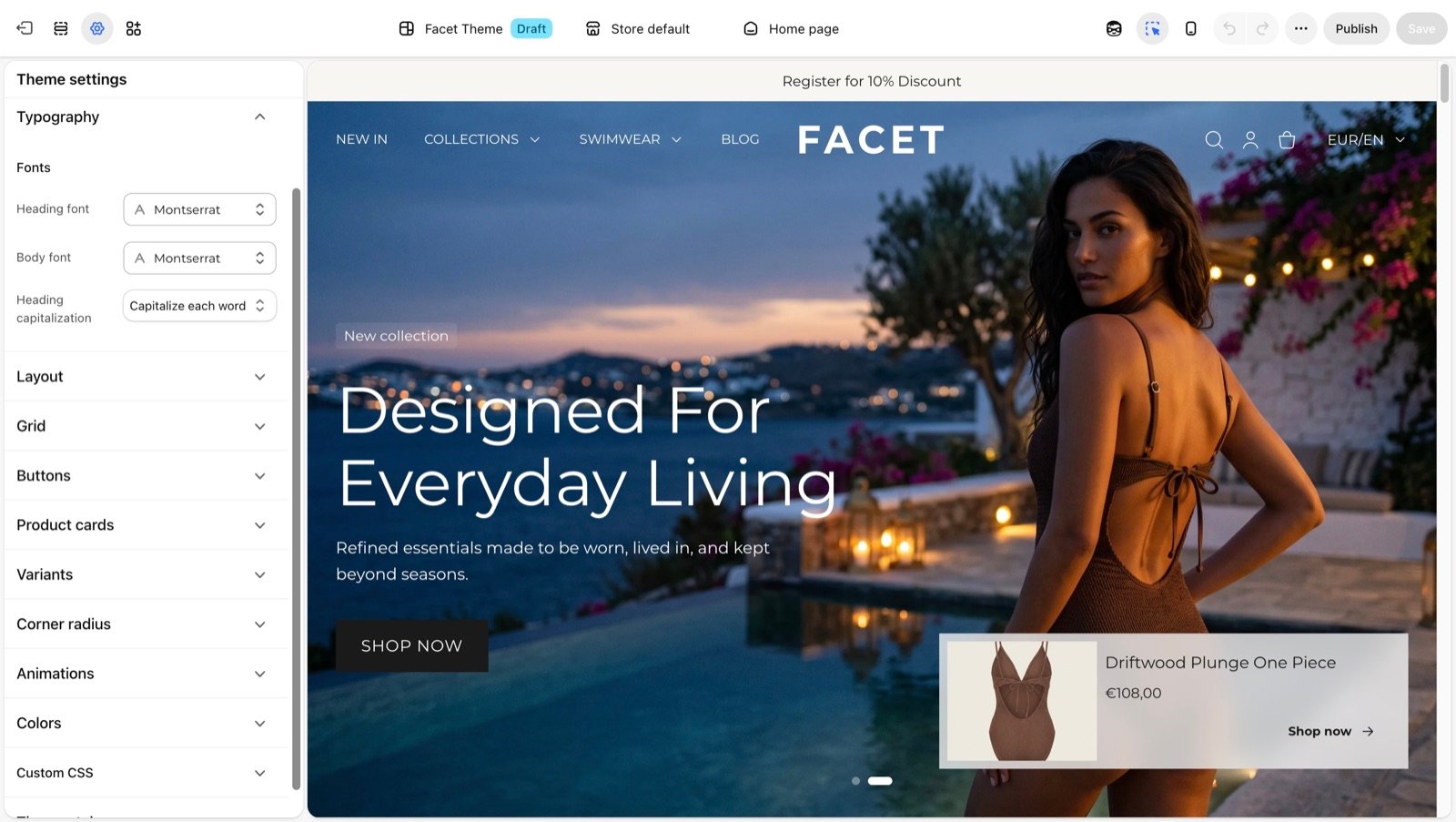
Fonts
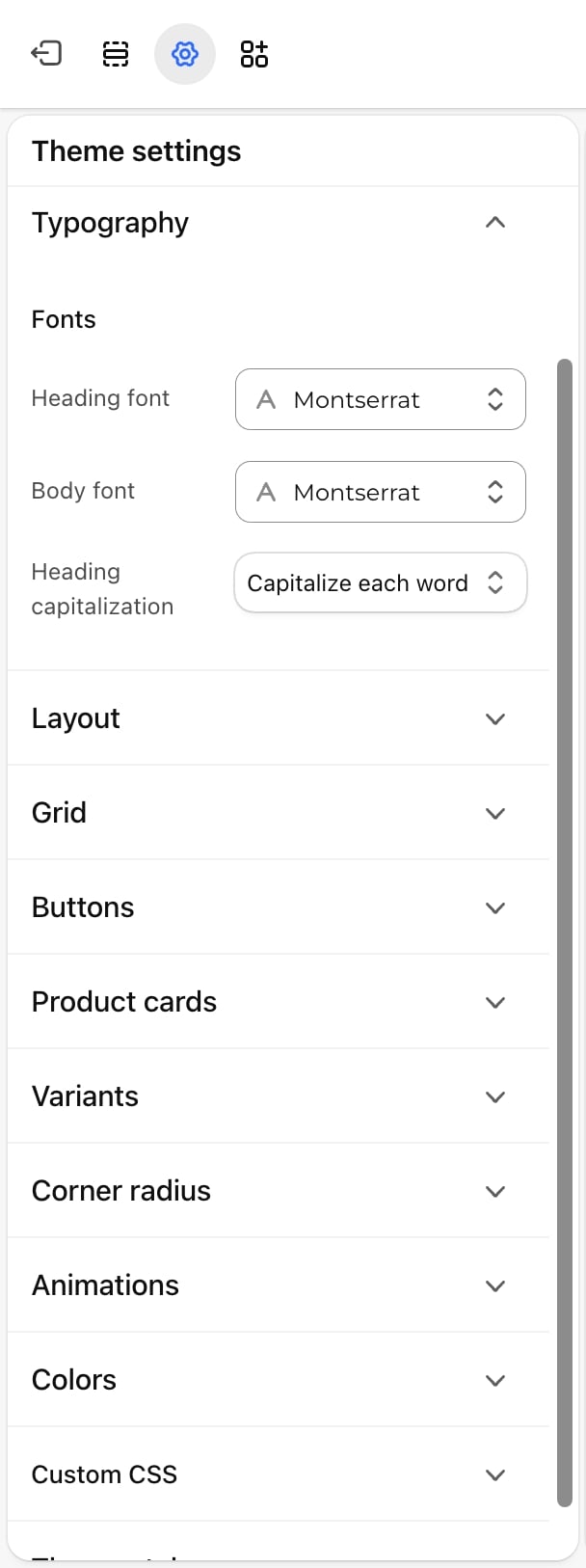
Heading font
Heading font
Default: Playfair Display, regular.Used for:
- All headings, including the Heading block and page and product titles.
- Your store name in the header and mobile menu when no logo is uploaded.
- Links in the mobile menu, and the headings, links and card labels in the mega menu.
- Footer menu headings.
- The text in the Marquee section, the message a countdown shows once it ends, and author names on testimonials and stories.
Body font
Body font
Default: Manrope, regular.Used for everything that is not a heading: paragraphs and the Text block, buttons, prices, form fields, the desktop menu links and the cart.Bold text uses a heavier weight of the same font. Buttons are set in this font in capital letters with a little extra letter spacing.
Heading capitalization
Heading capitalization
- As typed (default): headings show your text exactly as you wrote it.
- Capitalize each word: headings show the first letter of every word as a capital, whatever you type. The demo store uses this option.
The weight and style you pick in the font picker, for example light or italic, become the weight and style of all text in that font.
Text sizes
The sizes are fixed by the theme. The Heading and Text blocks let you pick one per block. On phones (screens narrower than 750 pixels) the larger sizes shrink.Best practices
- Pair contrast with calm. A distinctive heading font works best with a plain, readable body font. Body text is set small and read in long lines.
- Pick a font with several weights. Facet uses a bolder weight of the body font for bold text. A family with only one weight looks flat.
- Check long product names. With Capitalize each word, every word in a title starts with a capital, so preview a product page and a collection page with your longest titles.
- Mind loading speed. Each font adds files to download. Shopify’s system fonts load instantly.
Related guides
Theme blocks
Pick a text size on each Heading and Text block.
Buttons
Shape the buttons set in the body font.