


What this section controls
- The height of the empty band.
- The color of the band.
Getting started
1
Open the Theme Customizer
In your Shopify admin, open Online Store, then Themes, and click Customize next to Facet.
2
Add the section
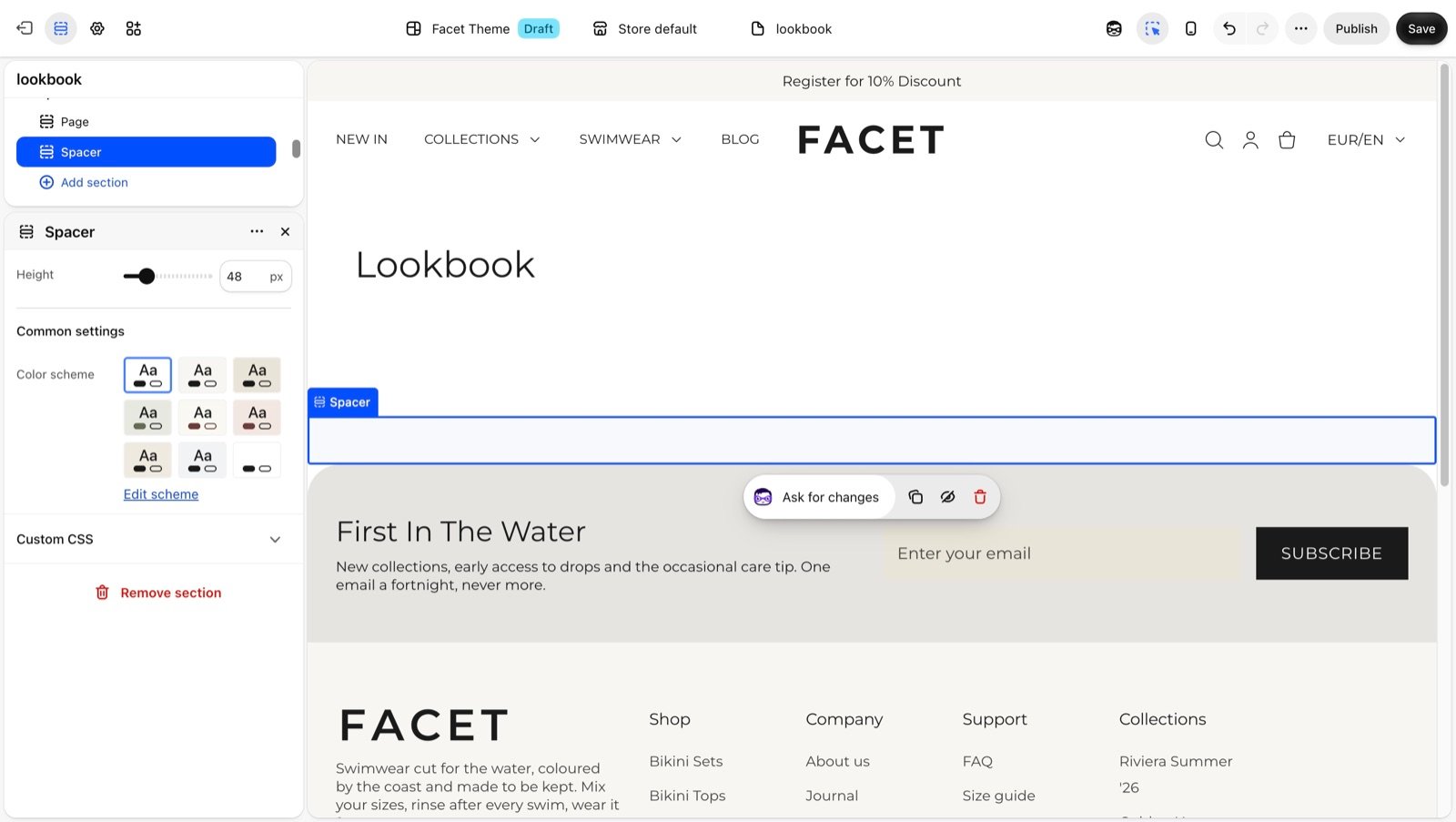
In the Sections panel, click Add section and choose Spacer. Drag it between the two sections you want to separate. It can’t be added to the header.
3
Set the height
Click Spacer and move the Height slider.
Section settings
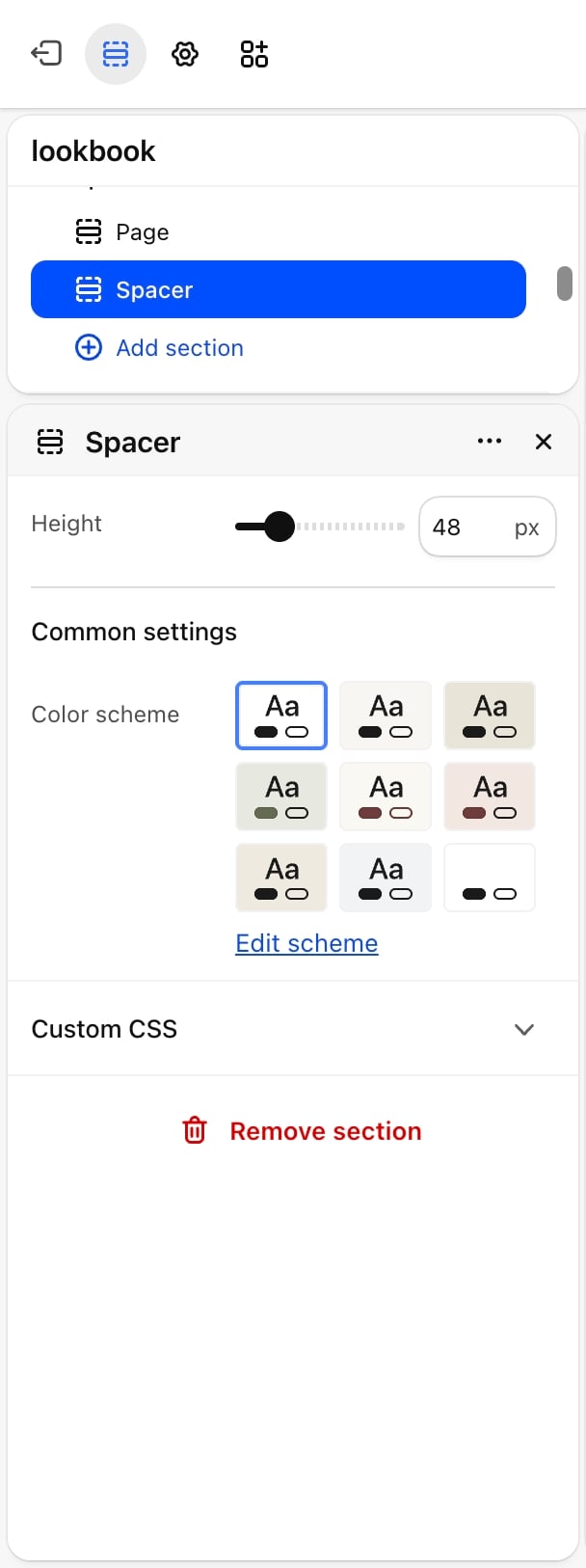
- Height: from 8 to 200 pixels, in steps of 4. Default: 48. Phones show half this height.
Common settings
- Color scheme: the background color of the band. Pick the same scheme as the sections around it for plain space, or a different one for a strip of color.
Best practices
- Try padding first. Most sections have Top padding and Bottom padding. Use the spacer when you need a height those options don’t offer, or a band in another color.
- Remember the phone height. A 48 pixel spacer is 24 pixels on phones. Set a larger height if you need more room there.
- Use it as a divider. A short spacer, such as 8 or 12 pixels, in a contrasting scheme reads as a colored line between sections.
Related guides
Common settings
Padding and width settings shared by most sections.
Colors
Create the color schemes the spacer can use.